
 Premiere Pro Lumetri Information
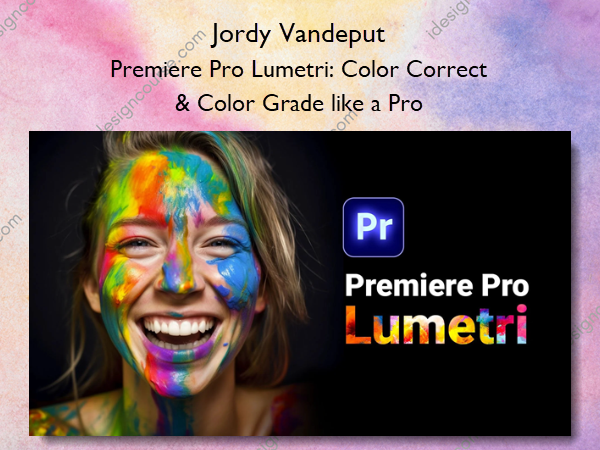
Start learning Color Correction and Color Grading in this complete beginners class. This class does not cover boring theory lessons. As of the first lesson we dive straight into practical examples and real situations.
This complete course will take you to the essentials of color correction with the Lumetri color tools inside Premiere Pro. You will learn different techniques while also understanding how color philosophy works.
We’ll fly together through this wonderful world of colors. And on the end you will be able to fix color issues and take your shots to a higher professional level.
Are you confused with the color correction tools and how they work? What is a good color grading? And how can I get that ‘Cinematic Look‘? Tons of questions that I’m super excited for to explain.
By the end of the class you’ll have a complete understanding of all the color correction tools within Adobe Premiere Pro’s Lumetri.
Here’s what you’ll learn
- The philosophy of digital color
- The functionality of every Lumetri tool
- Read and use the measurement tools like the waveform and vector scope
- Perform a color correction on an a bad shot
- Create masks to color correct a specific area
- Match the colors of different shots
Who is this course for?
This course is aimed at beginners in the color correction/grading field. You are not required to have any pre-knowledge, however some basic experience with Premiere Pro will help a lot. This course is not for experienced colorist.
About Author
 Hi, I’m Jordy and I hosts one of the biggest YouTube channels about filmmaking & video editing; Cinecom.
With more than 2.5 million subscribers, we publish weekly tutorial videos. After graduating from film school in 2012, I immediately began teaching online where my real passion lays.
I’ve never liked the way education works. So I wanted to do something about it. With the classes I produce, I try to separate myself from the general crowd and deliver a class experience rather than some information thrown at a student.
With more than 10 years of passionate experience in video production I host my own production company and Youtube channel.
Our company “Cinecom” produces commercials, corporate’s and after movies. I share all the experience I gain through Youtube and Udemy courses.
More courses from the same author: Jordy Vandeput
Salepage: Premiere Pro Lumetri: Color Correct & Color Grade like a Pro – Jordy Vandeput
Related products


Graphic Design

»Pre-Order


»Pre-Order