

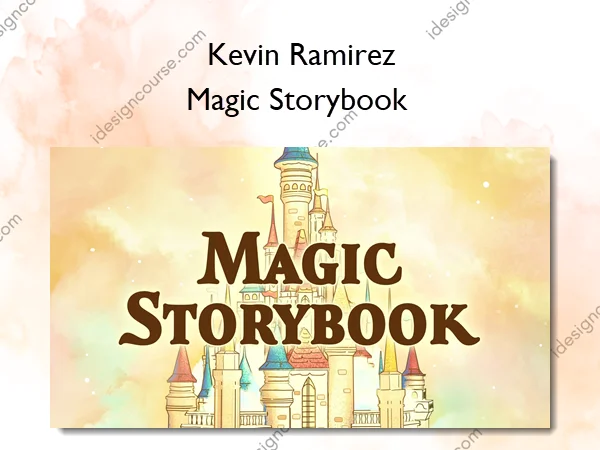
Magic Storybook – Kevin Ramirez
Imagine making a colorful drawing, but instead of it sitting on a flat page, it exists in 3D space.
Blender with its powerful 2D drawing and animation tool called “Grease Pencil” lets you do just that. Making art with it feels like drawing in air, allowing you to create digital worlds with more freedom.
In this Magic Storybook course, you will learn everything you need to get started with Grease Pencil, and fully explore a hybrid 2.5D workflow. So you can move beyond the flat page into dimensional space.
Don’t worry if you’re not a drawing pro or are fairly new to 3D – this course is totally beginner-friendly. There’s over 10 hours of content, downloadable project files, and access to help anytime you need it.
What You’ll Learn In Magic Storybook
Part 1 – Fantasy Village Scene
- 5 chapters
- 60+ lessons
- 4.5+ hrs running time
Chapter 1 & 2 – Getting Started with Grease Pencil
Get a general overview of Grease Pencil, its tools and settings, and practice on simple exercises.
Chapter 3 – Fantasy Village – Building Creation
Here we start the big fantasy village project by creating the main building, while practicing what we’ve learned in the previous chapter.
Chapter 4 – Fantasy Village – Scene Creation
Here we create the fantasy village scene around the building, by creating the fore-, mid- and background.
Chapter 5 – Fantasy Village – Animation and Finalization
To wrap up the fantasy village scene, we will animate all elements, apply effects to the scene and render it out.
Part 2 – Alchemy Lab Scene
- 5 chapters
- 60 lessons
- 6+ hrs running time
Chapter 6 – Additional Grease Pencil Features & Capabilities
In this chapter, we’ll go over the free Grease Pencil tools add-on in more depth, try out the included brushes, and take a look at Grease Pencil rigging and deforming for animation.
Chapter 7 – Introduction to 2D/3D Art
In this chapter, we’ll dive into the realm of 2.5D art within Blender. We’ll understand what 2.5D art is, explore the workflow by using Grease Pencil as a modeling tool and cover outline methods in Blender.
Chapter 8 – Alchemy Lab – Modeling
In this chapter, we’ll begin our alchemy lab scene, starting with creating the concept, then model the scene in segments.
Chapter 9 – Alchemy Lab – Modeling
In this chapter, we’ll move on to shading the alchemy lab scene. We’ll start with crating a general shader and outlines, which we then link to all elements in the scene and adjust to create different materials.
Chapter 10 – Alchemy Lab – Grease Pencil and Animation
In this chapter, we’ll move on to working with Grease Pencil to finish it off. We’ll be drawing and animating the elements simultaneously.
More courses from the same author: Kevin Ramirez
Sale Page: Magic Storybook – Kevin Ramirez
Related products
3D & Animation
3D & Animation
Introduction to Puppet Making for Stop Motion – Adeena Grubb
Adobe After Effects
The Ultimate Guide to 3D in Adobe After Effects – Jake Bartlett