

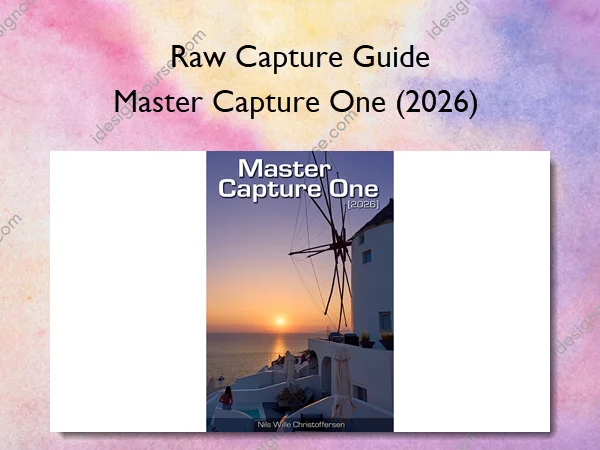
Master Capture One (2026) – Raw Capture Guide
With the Master Capture One (2026) guide, you’ll learn how to master Capture One, accelerating your workflow and maximizing the potential of your raw images.
This eBook guides you through the complete process: importing images into Capture One, organizing them, making adjustments, and exporting your finished work. All topics are organized into logical chapters, making it easy to progress from beginner to expert.
The Master Capture One guide serves both newcomers and advanced users looking to expand their knowledge of specific tools or features. It’s also the perfect resource for photographers transitioning from Adobe Lightroom or other raw converters.
Written for both professional photographers and advanced enthusiasts, the guide features extensive screenshots to accelerate the learning process. Special attention has been paid to explaining Capture One-specific features and terminology, ensuring new users quickly feel comfortable with the software.
Rather than providing rigid step-by-step instructions for specific scenarios like “How do I saturate a blue sky?”, this guide teaches you to master Capture One’s tools. You’ll learn how to select any color—including blue skies—and enhance both the color and light balance of selected ranges.
The goal is to help you understand the full capabilities of Capture One’s tools, enabling you to choose the right tool for each task. For instance, Capture One offers several methods for adjusting contrast and light balance, each serving a distinct purpose in your photographic toolbox.
What You’ll Learn In Master Capture One (2026)
- Covers Capture One Pro and Studio version 16.7.3
- 60+ comprehensive chapters
- 700+ pages
- 1000+ screenshots
- Covers Capture One Pro, Studio, and Phase One versions
- Available in English only
- Provided in both ePub and PDF formats
- Includes Kindle-optimized PDF
- ePub version optimized for iPad viewing
More courses from the same author: Raw Capture Guide
Related products






»Pre-Order