

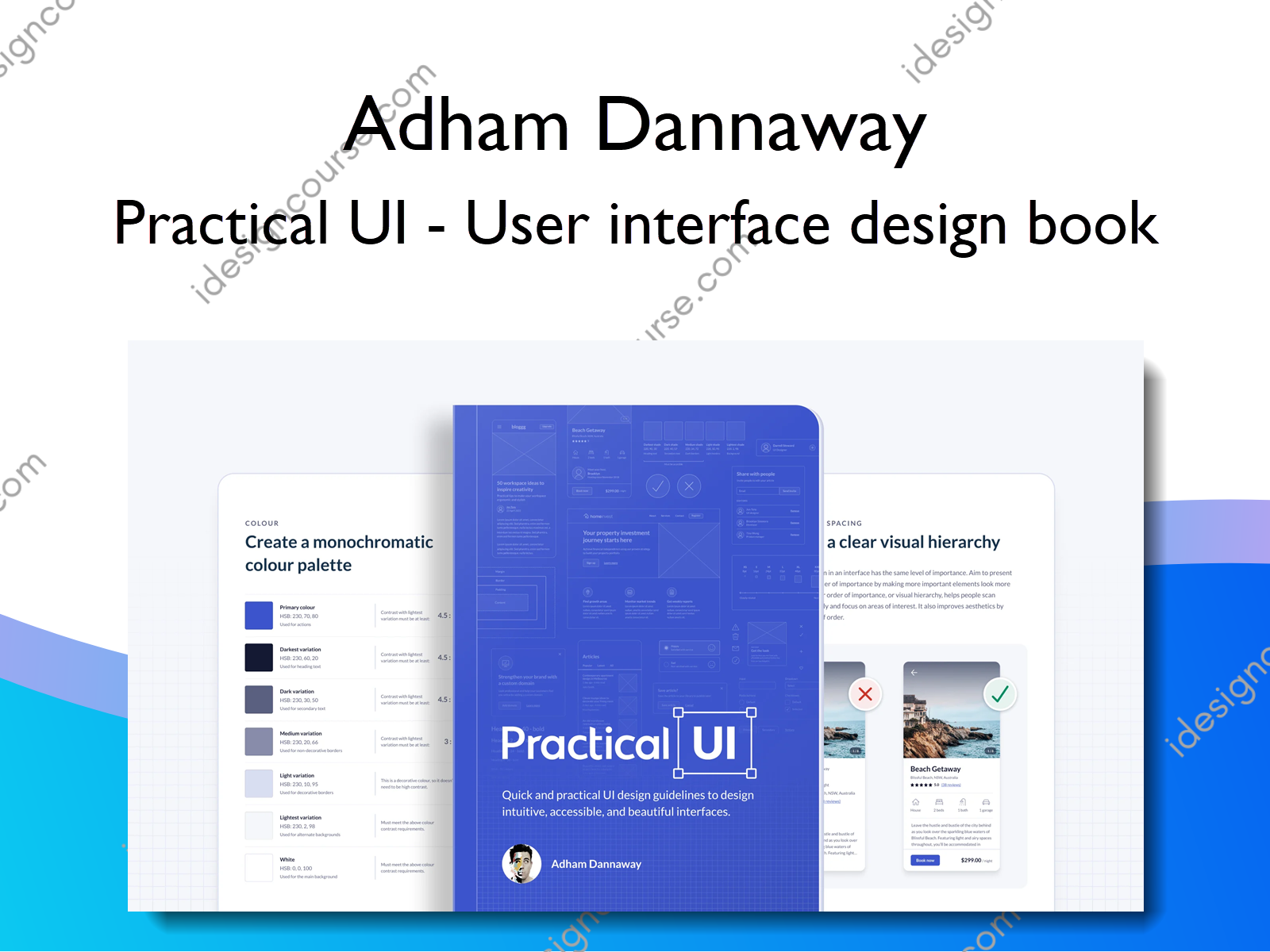
Practical UI – User interface design book Information
Learn a logic-driven approach to design intuitive, accessible, and beautiful interfaces using quick and practical guidelines.
Practical UI – User interface design book is a course on UI/UX design. The course covers a range of topics related to UI/UX design, including user research, design principles, prototyping, and design tools like Sketch and Adobe XD. The course also covers best practices for designing effective and aesthetically pleasing user interfaces for different platforms like desktop, web, and mobile.
What You’ll Learn In Practical UI – User interface design book
Here are 2 of 100+ design guidelines you’ll find in the book. Each guideline comes with visual examples and a clear rationale.
COPYWRITING
Break up content using descriptive headings and bullets
Break up large pieces of information into multiple smaller ones. This makes it easier and faster for people to understand.
Highlight key information using descriptive headings. This allows people to quickly scan information and get a better idea of the structure and organisation of content.
Some won’t read supporting text, so make sure headings make sense when read out of context. This also helps screen reader users, as they often listen to a list of all headings on a page before skipping to the information they’re after.
TYPOGRAPHY
Ensure ideal line length
To improve readability, ensure text is 40 – 80 characters per line (including spaces). If lines are too long, it makes it harder for people to gauge where the line starts and ends.
If lines are too short, your eyes get stressed from having to travel back too often. A comfortable line length is especially important for long body text.
APPLYING GUIDELINES
A quick case study
Let’s quickly redesign an example interface using some practical guidelines from the book.
The following 2 designs are for the property details page of a short-term property rental app. The first one is the original design. The second is the result of applying some quick guidelines from the book.
Even without much UI design experience, you’ll probably notice that the original design feels messy, complicated, and difficult to use. This is because it contains many problematic design details that pose a risk to usability. Perhaps you can already spot a few?
Who is Practical UI – User interface design book course for?
This book is best suited to those in the product design and development space with an interest in improving their UI design skills. You might know some of the basics, and may have dabbled in design, but still struggle to design an informed and professional interface.
While the book wasn’t created for experienced designers, some may find it useful. Especially if you design based on gut feeling and can’t explain why.
The book is best suited to:
- Beginner/intermediate designers looking to quickly improve their UI designs.
- User researchers who want to start designing interfaces.
- Developers who no longer want to rely on a designer.
- Product managers who want to better understand their products.
More courses from the same author: Adham Dannaway
Salepage: Practical UI – User interface design book – Adham Dannaway
Related products


»Instant Delivery

Graphic Design




Graphic Design