


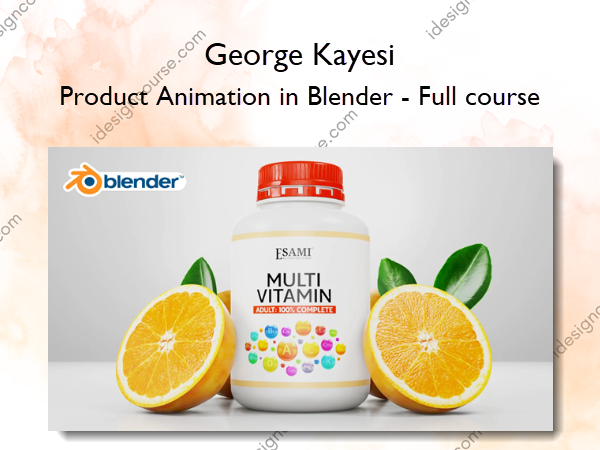
 Product Animation in Blender Information
This course is to help you acquire the knowledge you need in order to create 3D product animations in Blender. The course is also going to really help you grow and level up your skills, within a very short period of time.
We shall focus mainly on: Modeling, Texturing and shading, Animation, Lighting, Rendering, And finally, video editing and color grading in the visual sequence editor.
The course is 2 hours and 27 minutes long and it is broken down into six main videos.
Everything we are going to do in this course will entirely be inside Blender. That is interesting, right?
Part 1
This is where we will do modeling. We will put all models in a single blender file, with real world measurements.
Part 2
Texturing and shading. Here we will do some procedural texturing and also use the images I have provided to:
- Brand the container.
- Texture painting the orange.
Part 3
Animation. This section will entail creating six different scenes. Each scene will involve appending a given number of 3d objects from the first blender file created in Part 1.
Part 4
Lighting. We will go through every scene created in Part 3 as we set up lights in them one by one. The lighting set up will work well with both eevee and cycles.
Part 5
Rendering. We will render out all the scenes in a similar manner, that is, as JPEG image sequences, one by one.
Part 6
Video editing and color grading. This will be the last stage. We shall bring in all the image sequences into blender VSE (Visual Sequence Editor). We will do some real video editing. We will add the logo at the beginning and at the end of the animation. We will also add an audio file (it is provided), adjustment layers on videos during color grading and some text elements. Finally, we will render out the final animation in video format.
More courses from the same author: George Kayesi
Salepage: Product Animation in Blender – Full course – George Kayesi
Related products
»Pre-Order


»Pre-Order