

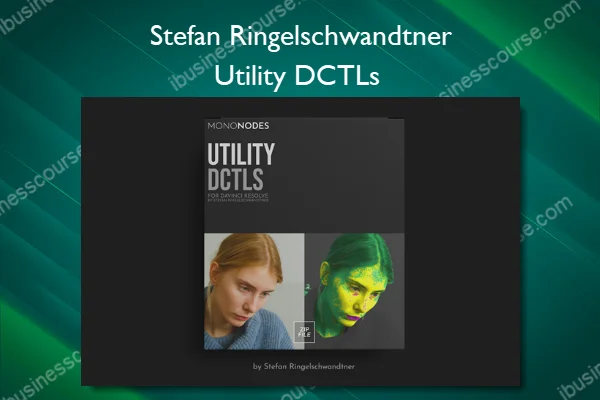
Utility DCTLs – Stefan Ringelschwandtner
The “Utility DCTL” pack encompasses tools for image analysis and adjustment. It includes the “Balance DCTL” for analyzing skin tones in footage and managing color deviations, the “Clipping DCTL” for identifying and handling clipping in light or dark areas, and the “Isolator” features for color isolation in bright and dark regions, emphasizing ‘pure’ colors.
What You’ll Learn In Utility DCTLs
BALANCE
The “Skin Tone Indicator” highlights skin tones as yellow and indicates deviations from the skin tone line as magenta or green.“Exposure Heatmap” shows over/underexposed areas, while “Saturation Heatmap” highlights saturation extremes. “Gray Out Non-Skin Areas” simplifies skin tone correction by desaturating non-skin regions. “Split Horizontally” and “Split Vertically” enable comparison between corrected and original footage. “Highlight Neutrals” emphasizes neutral tones, and “Monochrome” enables grayscale for better color balance.
CLIPPING
The “Clipping DCTL” identifies clipping in light or dark areas. “Darken BG” darkens the image except for the clipped regions, which remain highlighted, aiding in the clipping check process. Adjust the “White” and “Black” thresholds to control clipping detection for highlights and shadows. “Saturation 100% + 75%” highlights areas of high saturation, and “Saturation 100%” isolates only fully saturated regions for more precise color control. Split options allow for comparison between clipped and non-clipped areas.
RGB-MINMAX
The DCTL visualizes the RGB and Luma values in footage. “RGB Parade” and “RGB Parade Clipping” display the RGB channels with an option to highlight clipping. Adjust “Trace Thickness” for better clarity, and control the visibility of the RGB and Luma channels with the “RGB Opacity” and “Luma Opacity” sliders. “Guide Lines Opacity” adjusts the visibility of the grid for precise monitoring, while “Darken BG” darkens the background for clearer separation of the data.
More courses from the same author: Stefan Ringelschwandtner
Sale Page: Utility DCTLs – Stefan Ringelschwandtner
Related products
»Pre-Order

»Instant Delivery

»Instant Delivery
Drone Cinematography Masterclass 2.0 – Stewart & Alina Carroll

»Instant Delivery
»Instant Delivery

»Instant Delivery
»Instant Delivery