

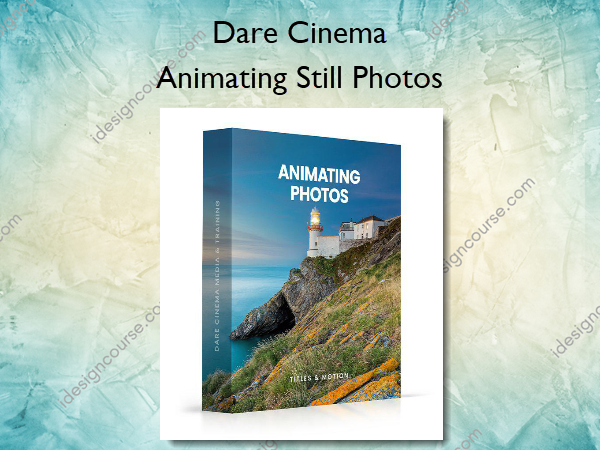
 Animating Still Photos Information
Animating Still Photos is a course that teaches a technique for adding motion and animation effects to static images, making them more dynamic and engaging.
Learn a simple but great looking technique for bringing still photos to life in a way that drag and drop slideshows simply cannot replicate.
What You’ll Learn In Animating Still Photos?
Creating a Timing File
Learn how to save a ton of time on any animated video you do.
Cutting up your photo in Photoshop
You will learn to, find natural cut lines, split a photo into multiple layers, how to overlap the layers to prevent “halo” problems, and prepare your file for animation.
Animating Your First Photo
In this lesson you will learn, What are keyframes? The basics of the After Effects interface. Creating a composition. How to import footage. Arranging photo slices on a timeline and creating basic …
Cutting out your remaining photos
In this lesson, you will Practice cutting up your photos for animated layers and learn how to use the refine edge tool to get a cleaner overlap.
Animating Your Remaining Photos
In this lesson, you will learn to animate the remaining photos.
Adding Text to your animation
In this lesson, you will learn how to add text to an After Effects composition, learn to adjust text size and placement and how to change fonts and format text.
Adding Motion to Your Text
In this lesson, you will learn how to add animation to your text, how to use After Effects presets to apply complex animations with the click of a button and learn to adjust text effects and how to…
Closing video
In this lesson, I will give you an introduction to more advanced techniques available to use in After Effects.
More courses from the same author: Dare Cinema
Salepage: Animating Still Photos – Dare Cinema
Related products


»Pre-Order


»Pre-Order