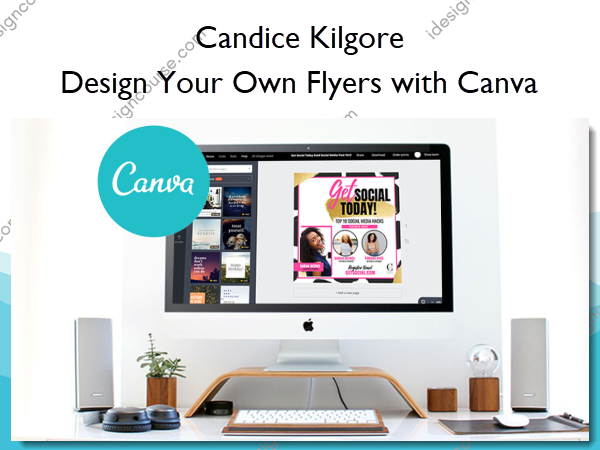
 Design Your Own Flyers with Canva Information
Design Your Own Flyers with Canva is designed to empower individuals to create professional-quality flyers using Canva, even if they have no prior design experience.
Learn Canva with Expert Designer, Candice Kilgore
Have you had BAD LUCK with designing your own flyers in the past? Let’s be honest…did they turn out ugly?
Do you wish to design your own professional flyers?
Are you sick of dishing out so much MONEY every time you need a flyer designed for your business?
No worries…
Finally…The Canva Course You’ve Been Waiting For! Start designing flyers like a Pro using Canva.
In this course, you will learn how to design eye-catching Event Flyers using Canva. With Candice Kilgore’s custom Canva templates, proven techniques, and hacks, you’ll become a pro in no time!
Do Any of These Sound Like You?
New to Canva – You’re brand new to Canva but want to start making your own attractive flyers for your business.
Having trouble making attractive designs in Canva – You’re already using Canva but your designs aren’t turning out quite like you desire.
Want to stop paying my Graphic Designer for Everything – You’re on a budget and hiring a full-time graphic designer is just not feasible at the moment.
Not a technical person – You’ve tried designing before with online editing software, but you became overwhelmed with the technical side because you had no one to show you what to do.
Want to start a side hustle – Maybe you want to start designing flyers for people here and there and want to charge them for it. Hey… why not!?!?
Want the luxury of not waiting on a Graphic Designer – You’re tired of having to wait on a graphic designer to complete your designs. If a small edit comes up, you have to wait days for revisions!
What You’ll Learn In Design Your Own Flyers with Canva?
Section 1: Getting Started
- Join Our Facebook Community (0:41)
- Sign Into your Canva Account or Get Signed Up for your FREE Canva Account (1:35)
- Gain Access to the 30 Canva Templates Here
Section 2: What makes a flyer design good?
- Understanding the components of a good flyer design. (1:03)
Section 3: Flyer Images
- Flyer Images
- Where to find Free/Paid stock Images to use (1:56)
- How to choose photos for the flyer design (2:40)
- How do I remove the background from my photo? (2:40)
Section 4: Flyer Fonts
- What fonts to use on a flyer (3:32)
- Using Canva fonts (1:36)
- Uploading and using fonts that aren’t available in Canva (1:41)
- Flyer Wording (1:51)
Section 5: Flyer Colors
- What colors to use (1:45)
- The science of color
- *Bonus: Choosing Brand Colors (1:11)
Section 6: Flyer Objects to Add the BLING!!
- Using flyer objects to add the BLING!!! (4:11)
Section 7: Using white/blank space
- Using white/blank space in order to eliminate clutter from the flyer. (1:20)
Section 8: Let’s dive into editing the custom templates.
- Accessing your Canva Templates: MOST IMPORTANT STEP before editing the Canva Templates!! Please follow! (3:45)
- Editing Flyer Template 1 (15:15)
- Editing Flyer Template 2 (8:03)
Final Word
- Congratulations! You did it!
More courses from the same author: Candice Kilgore
Salepage: Design Your Own Flyers with Canva – Candice Kilgore
Related products
»Pre-Order