
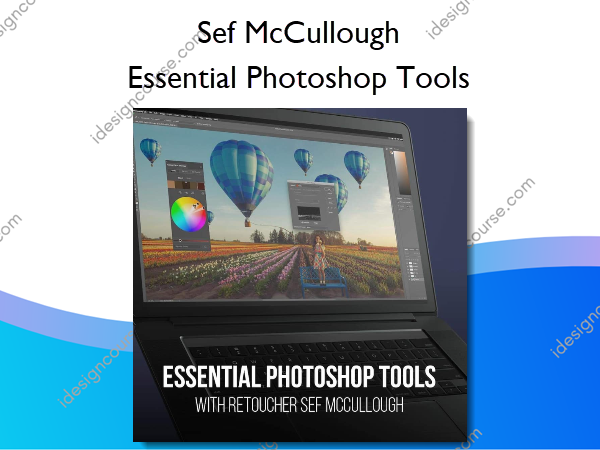
 Essential Photoshop Tools Information
Essential Photoshop Tools is a comprehensive course designed to teach photographers and retouchers how to effectively use Adobe Photoshop.
LEARN TO MANAGE HAIR WITH ADVANCED MASKING WORKFLOW
Did you know most photographers only use about 20% of the Photoshop Workspace? Don’t be held back by what you already know and learn (almost) every tool within Adobe Photoshop with high-end, commercial retoucher, Sef McCullough. Adobe Photoshop is the world’s best imaging and graphic design software for photographers and retouchers.
This tutorial is designed to be the ultimate reference guide for anybody who wants to learn Photoshop. Get started by learning the layout of the workspace then follow along as Sef walks through and thoroughly demonstrates each tool in the toolbar. He’ll give you suggestions on when to use each tool, when to avoid a tool, and provide little known tips and tricks to make your retouching projects easier.
LOOK FORWARD TO RETOUCHING WITH THIS WORKFLOW
Even expert retouchers have something to learn from this Photoshop tutorial! Expand your understanding of destructive versus non-destructive post production workflows and learn best practices plus shortcuts for using every Adobe Photoshop tool and applying them to your projects.
What You’ll Learn In Essential Photoshop Tools?
- 20 Total Videos
- 3 Hour Course
- RAW Images Included
- $199 Value FREE
- PS Actions Included
- $99 Value FREE
- ENGLISH CC’s
- SPANISH SUBTITLES Included
- Pre-Production
- Business Tips
- PRO EDU Community Access
- Private Access To The Group
More courses from the same author: Sef McCullough
Salepage: Essential Photoshop Tools – PRO EDU – Sef McCullough
Related products
»Pre-Order

»Pre-Order
»Pre-Order