


 Make-Up Retouching Information
Digitally retouch makeup so that it is flawless in every portrait.
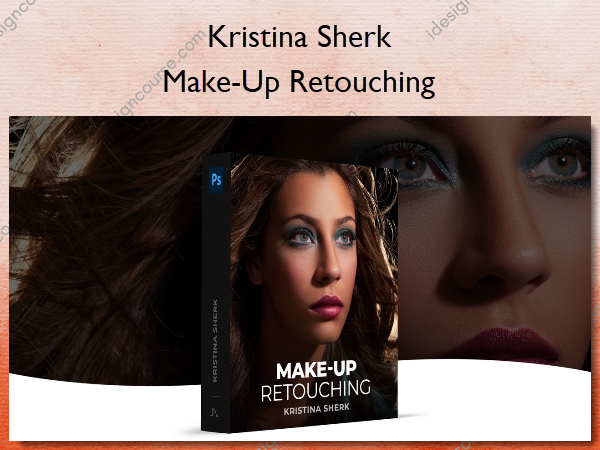
There are many reasons why portrait photographers need to know how to add or change makeup in Photoshop. In this course I’ll cover material including the different blend modes and how they interact with underlying layers, how to use the “blend if” sliders, how to add multi-faceted lipstick to both the highlights and the shadow areas of the lips, and so much more.
What You’ll Learn In Make-Up Retouching?
Introduction
An overview of all the concepts we go through in this course and how modifying makeup is such a vital set of skills for all photographers.
Removing Blemishes and Initial Adjustments
We are going to take the image into Photoshop and I’ll show you how I deal with blemishes as the first step in my retouching workflow.
Frequency Separation Techniques
I always use frequency separation to get fantastic looking skin and in this lesson I’ll show you how to use it and what the proper settings are so that it works well.
Using Dodge and Burn for Dimensionality
In this lesson I teach you my techniques for using dodge and burn to retouch skin and why I almost always use this in conjunction with frequency separation.
Adding Makeup Digitally
Ok! We’ve got the image retouched and looking great and now we get to the fun part of adding makeup to create a more impactful and richer makeup look.
Eye Retouching Techniques
In this lesson, I am going to show you my techniques for bringing out the maximum impact and beauty in every subject’s eyes.
Conclusion
In this lesson I am going to show you my techniques for bringing out the maximum impact and beauty in every subject’s eyes.
More courses from the same author: Kristina Sherk
Related products

»Pre-Order

»Pre-Order


»Pre-Order
»Pre-Order