



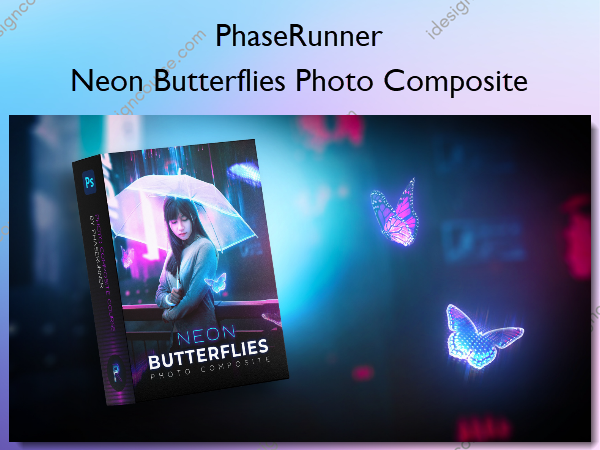
 Neon Butterflies Photo Composite Information
In this Photoshop course …
you will learn to combine multiple images, seamlessly blend layers, add shadows and highlights and create holographic and neon effects plus so much more!
What You’ll Learn In Neon Butterflies Photo Composite?
Module 1 | Pre-work
This module covers how to find inspiration, where to get free stock images for Photoshop art and how to set up your Photoshop document.
Module 2 | Creating The Background
This module covers everything needed to create the background of the composite, including the practical steps and techniques to set-up a solid starting point.
Module 3 | Adding The Character
This module focuses on the character of the composite. Includes lessons on lighting and blending as well as how to create that dynamic holographic rain.
Module 4 | Adding The Butterflies
This module covers how to add the butterflies to the scene and create the holographic neon effect. We will also look at composition and how to use it to our advantage.
Module 5 | Lighting The Scene
This module focuses on how to add cinematic lighting and colour grade the scene.
Module 6 | Finishing Moves
This module will focus on the finishing touches needed to enhance the final image, from colour and contrast to how to add a retro 3D effect.
More courses from the same author: PhaseRunner
Related products



»Pre-Order


»Pre-Order