
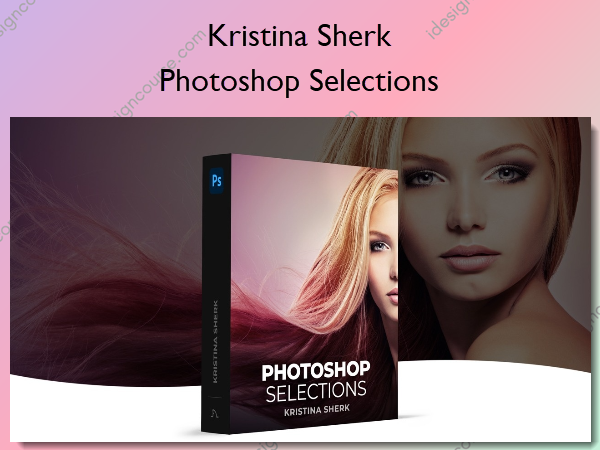
 Photoshop Selections Information
Prepare selections for perfect compositing that blend seamlessly.
This class explores every single selection method Photoshop has to offer and shows you the benefits and drawbacks of each one, teaching you how to leverage some of the most powerful tools in Photoshop to enhance your images.
What You’ll Learn In Photoshop Selections?
Introduction
In this lesson, I discuss with you why getting perfect selections is so crucial and some of the techniques I’ll be teaching you in this course.
Learning The Selection Commands
Photoshop has an entire group of selection commands and in this lesson, I will take you through all of them and show you what they do and how they are different.
The Manual Selection Tools
Despite recent advancements in AI tools, you should begin by learning to manually select areas of your image and I show you the best ways to do this.
Vector-Based Selection Tools
In this lesson, I’ll teach you how and why to use Photoshop’s vector-based selection tools to create clean selections rapidly.
Learning to use the Select Color Range Command
This is one of Photoshop’s most versatile and powerful selection tools and I’ll show you the best techniques for maximizing its usefulness.
Learning to Use Photoshop’s AI Selection Tools
Photoshop’s Sensai AI Engine is powering some new incredible selection tools and in this lesson I’ll show you how to start taking advantage of these.
Using the Select and Mask Dialog Box
Masks are the yin to selection’s yang and learning to use the Select and Mask Dialog box can save you a ton of time in making selections.
Conclusion
Some final comments from me on the key points of the class.
More courses from the same author: Kristina Sherk
Salepage: Photoshop Selections – Shark Pixel – Kristina Sherk
Related products

»Pre-Order

»Pre-Order
»Pre-Order