


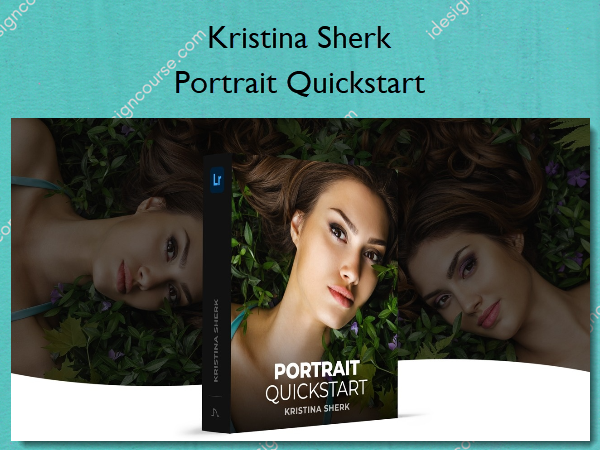
 Portrait Quickstart Information
Quickstart to Lightroom and some of its most powerful features for portrait retouching workflow.
In this course, I will introduce you to the essential tools that every portrait photographer should know how to use inside Lightroom. I cover sharpening for portraits, as well as local adjustment tools like the radial and linear gradient tools. Advanced users will also learn interesting new tricks like how to use the range masking command to make intricate, selectable adjustments with the click of a button!
What You’ll Learn In Portrait Quickstart?
Introduction
An orientation to the course and how we are going to be taking up each part of Lightroom for portraits.
Setting Up Lightroom for Portraits
An efficient Lightroom workflow begins with having your settings correct and in this lesson, I’ll show you what I use to streamline my own workflow.
Learning to Use People View
Lightroom’s new People View feature is an incredible way to organize your photos by person and I’ll show you how to fine-tune its settings.
Lightroom Tools
In this lesson I take you through all the most important tools of Lightroom to manipulate and retouch your image without having to jump over to Photoshop.
Sharpening Your Images
Sharpening is a crucial tool for adding snap to your image and in this lesson, you’ll learn how to use it easily to get great results.
Conclusion
A recap on the key course points and discussion on what’s next.
More courses from the same author: Kristina Sherk
Salepage: Portrait Quickstart – Shark Pixel – Kristina Sherk
Related products


»Pre-Order
»Pre-Order

»Pre-Order


Graphic Design

»Pre-Order