 Premiere Pro Advanced Information
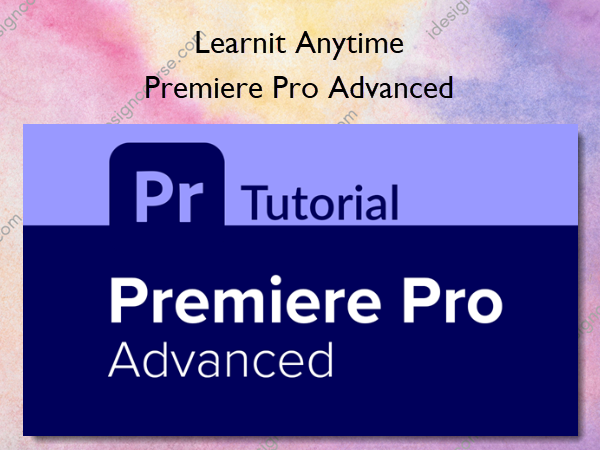
Premiere Pro Advanced course is designed for individuals seeking to enhance their skills in creating, editing, and enhancing digital videos using Adobe Premiere Pro, a leading software in digital video editing.
For anyone looking to create, edit, and enhance digital videos.
Who it’s for: Anyone looking to create, edit, and enhance digital videos.
What it is: Premiere Pro is the authority on digital video editing software. Easy to learn, yet feature-rich, Premiere Pro has everything a user needs to create digital video projects of any length or complexity.
What You’ll Learn In Premiere Pro Advanced
First, students learn how to navigate and customize the Premiere Pro interface. We quickly get into importing your own assets which include video clips, still images, and audio. We then learn how to organize our assets so we can edit our projects in the timeline. Editing includes slicing, cropping, slipping, sliding, adding markers and more. We also cover some pro tips on creating in and out points, tons of keyboard shortcuts, changing the speed of clips, and some basic video effects. We also learn how to create slideshows, add transitions, work with basic audio techniques, add text, and finally how to export your videos so you can easily upload or share them.
More courses from the same author: Learnit Anytime
Salepage: Premiere Pro Advanced – Learnit Anytime
Related products

»Instant Delivery
»Instant Delivery
Web Design
The Power & Psychology of UI Grids and Layouts for Websites and Mobile apps – Alexunder Hess
»Instant Delivery
Web Design