
 Retouching Jumpstart Information
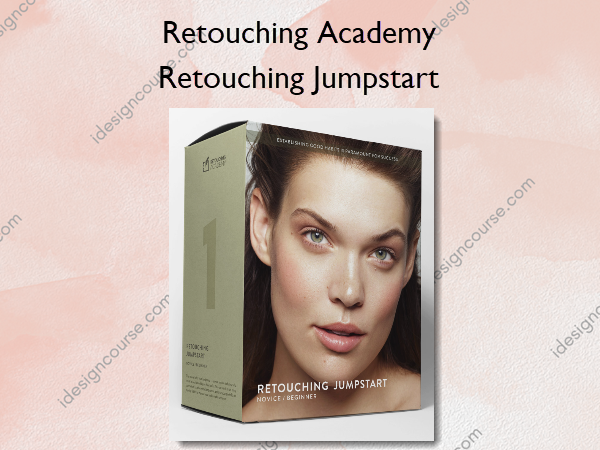
Retouching Jumpstart course by Retouching Academy is designed for beginners looking to quickly learn essential retouching techniques.
COURSE OUTLINE & BONUS MATERIALS
This course was developed and created by fashion, beauty & portrait photographer, retoucher, and educator Michael Woloszynowicz (Toronto, NYC, and LA) and commercial beauty photographer and retoucher Julia Kuzmenko McKim (Los Angeles, CA and Dallas, TX) and the rest of the RA team.
In this beginners course, we cover the necessary basics so you can start retouching as soon as possible. If you dedicate time to learning and practicing, you could begin retouching images with effective techniques within a couple of hours of starting the course.
You will learn to process raw files, set up your workspace, and a retouching tablet. Will will introduce you to the core retouching basics such as using the key retouching instruments, Frequency Separation, Dodge and Burn, color correction, and color grading, as well as how to finalize your images and export for sharing on your website or social media.
While it’s true that you can test your new skills relatively quickly, we encourage you to take your time and practice as much as possible. The more you practice, the faster you develop your skills.
Establishing good habits is paramount for success!
Below you’ll find everything covered in Retouching Jumpstart — a course that can open up exciting new opportunities if you’re committed to your own growth!
What You’ll Learn In Retouching Jumpstart?
Module 1: Processing Raw Files
- Introduction
- Adobe Lightroom: Develop Module Introduction
- Adobe Lightroom: Key Adjustments
- Capture One: Interface & Key Adjustments
- Exporting Files to Photoshop
- Image File Formats
- Image Resolution
- Assignment #1 Processing Your Raw File
Module 2: Before Retouching Begins
- Photoshop Interface & Panels
- Keyboard Shortcuts
- Understanding Layers
- Understanding Layer Masks
- Cropping: When & How
- Smart Structure of Your PSD Files
- Assignment #2 Setting up Your PS Workspace
Working With Graphics Tablets
- Retouching with Graphics Tablets
- Graphics Tablet Models (Reference)
- Setting Up Your Wacom Tablet
- Choosing Your Stylus Nibs (Reference)
- Assignment #2.1 Setting up Your Graphics Tablet
Module 3: Retouching Basics
Basic Cleanup
- Spot Healing Brush
- Healing Brush
- Clone Stamp
- Grafting
- Checking Your Retouching Progress
- Assignment #3.1 Basic Cleanup
Frequency Separation Technique (FS)
- FS Technique Introduction
- FS Mechanics
- Lean PSD Approach After FS
- Assignment #3.2 Frequency Separation
Finishing Up the Basic Cleanup (Retouch)
- Finishing Up the Basic Cleanup Phase
- Assignment #3.3 Finishing Up the Basic Cleanup
Module 4: Dodge & Burn Technique
- Dodge & Burn Technique
- Dodge & Burn Mechanics
- Dodge & Burn Contouring on 50% Gray Layer
- Assignment #4.1 Dodging & Burning – Sphere Exercise
- Working Smart with D&B Actions or the Beauty Retouch Panel
- Assignment #4.2 Dodging & Burning
Module 5: Color Corrections
- Color Management At a Glance
- Using Basic Selections for Color Corrections
- Using Complex Selections for Color Corrections
- Color Corrections
- Assignment #5 Local Selections & Color Corrections
Module 6: Color Grading
- Finishing Up with Color Grading
- Assignment #6 Color Grading
Module 7: Finalize & Export
- Finalizing & Exporting Your Images
- Sharing Your Retouching Work Online
- Assignment #7 Final Export
What’s Next?
- Code Of Ethics & Professional Practice
- What’s Next – Our recommendations on learning and practicing to achieve the best results and prepare you for your further professional development.
More courses from the same author: Retouching Academy
Related products

»Pre-Order


»Pre-Order