



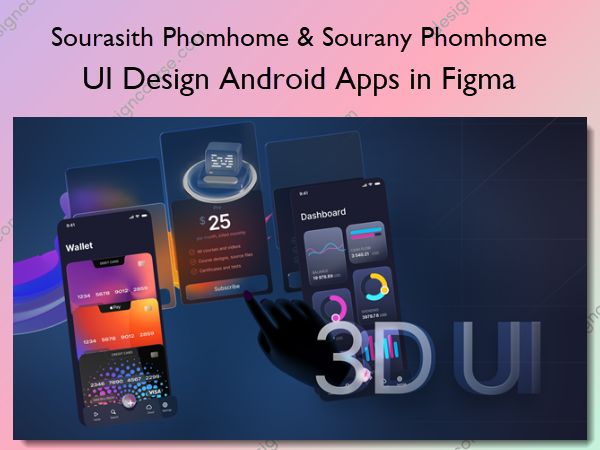
 UI Design Android Apps in Figma Information
UI Design Android Apps in Figma course aims to equip learners with the skills and techniques necessary to design user interfaces for Android applications using Figma, a popular design tool.
Design Android application UIs from scratch using various tricks and techniques in Figma
What You’ll Learn in UI Design Android Apps in Figma
1. Gaming App for Android Part 1 – Screen 1
Learn how to design a gaming app for Android using flat UI
2. Gaming App for Android Part 2 – Screen 2
Learn how to design a gaming app for Android using flat UI
3. Gaming App for Android Part 3 – App Bar and Side Menu
Learn how to design a gaming app for Android using flat UI
4. Travel App for Android Part 1 – Search Bar
Learn how to create the top app bar and search bar
5. Travel App for Android Part 2 – Bottom App Bar
Learn how to create the image list with text protection, supporting text, and bottom app bar
6. Travel App for Android Part 3 – Rating Review Section
Learn how to create the information screen with the top app bar, Rating review title and menu buttons
7. Travel App for Android Part 4 – Image Hover Effect
Learn how to create the images list with rating review,text protection and actionable button
8. Travel App for Android part 5 – Quilted Image List
Learn how to create the quilted images list with divider, map and action bar
9. Travel App for Android Part 6 – Bottom Sheet and Snackbar
Learn how to create the bottom sheet for the booking item with snackbar
More courses from the same author: Sourasith Phomhome & Sourany Phomhome
Salepage: UI Design Android Apps in Figma – Sourasith Phomhome & Sourany Phomhome
Related products

Graphic Design

»Pre-Order