


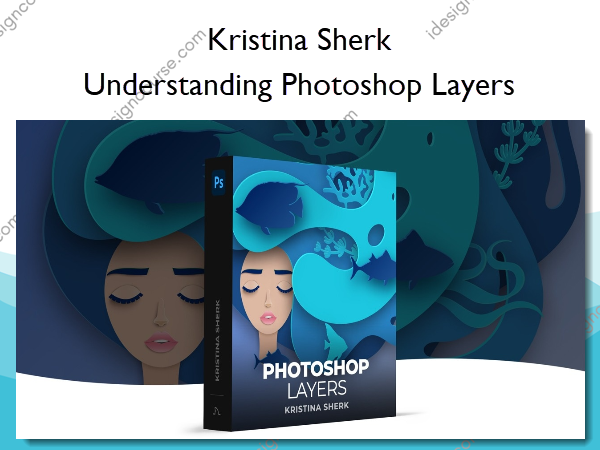
 Understanding Photoshop Layers Information
Use layers to add any element you can imagine to your image.
One of the core pillars of Photoshop and retouching is layers. Incorporating layers into your retouching allows you to easily change parts of your image without degrading anything underneath it. In this course, I will clearly and concisely explain all you need to know about pixel-based layers, adjustment layers, layer modifiers, blend modes, blend if commands, and text and shape layers too.
What You’ll Learn In Understanding Photoshop Layers?
An Introduction to Layers
In this lesson we dive right into what layers are, how we use them and why we need them. I’ll show you some of the major features and the underlying concepts.
How Layers Interact
In this lesson I teach you how layers interact so that you can easily grasp this fundamental concept.
Getting Familiar with Blend Modes
Blending modes are one of the most powerful parts of layer control and in this lesson I take you through each of these and explain how they work.
Text Layers and Shape Layers
In this lesson, I take you through these specific layer types so you know how to easily create and use them in Photoshop.
Learning What Layers Styles Are
In addition to Blend Modes, Layer Styles are another way to create impressive effects in your images and in this lesson I’ll show you exactly how they are used.
Using Adjustment Layers
Adjustment layers are another way to make some very cool changes in your image and in this lesson I will walk you through five of my favorite types of adjustments.
Conclusion
A quick recap and summary of the course and what I hope I helped you come to understand about this core concept of Photoshop.
More courses from the same author: Kristina Sherk
Salepage: Understanding Photoshop Layers – Shark Pixel – Kristina Sherk
Related products
»Pre-Order





»Pre-Order