
 Photoshop for Lightroom Users Information
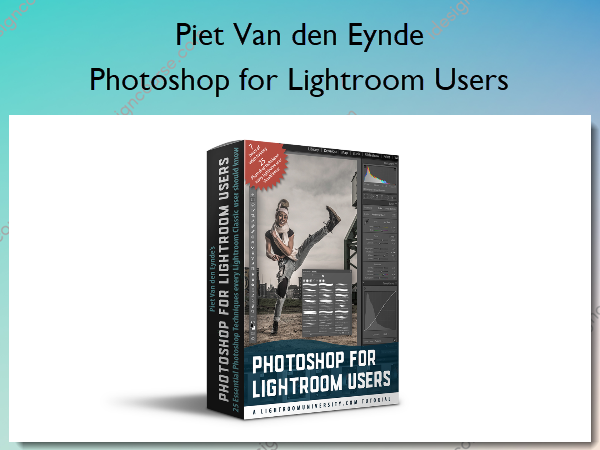
Photoshop for Lightroom Users by Piet Van den Eynde is a course designed for photographers who primarily use Lightroom but want to expand their editing capabilities with Photoshop.
25 case-studies, each focusing on one technique that is just easier or faster to do in Photoshop than in Lightroom.
There’s no shortage of Photoshop courses out there, but almost all of them focus on Photoshop from the perspective of someone who does not use Lightroom at all. This means that a lot of information in those courses is either redundant (you don’t need Photoshop to brighten the Shadows in an image – you’ve got Lightroom’s Shadows slider for that) or downright missing, like information on how exactly to go from Lightroom to Photoshop and back.
Because there’s a couple of ways: you can edit directly, edit as a Smart Object and then there’s also Open As Layers. And what do you do when you want to re-edit an already edited file? I will show you all about this, including a couple of potential caveats, in ‘Photoshop for Lightroom users’.
Every video is self-contained, which means you can watch them in any order you like, although I suggest watching videos one through three first.
Don’t take my word for it, though. Watch the free sample videos, and you’ll immediately know whether this course can be of value for you.
What You’ll Learn In Photoshop for Lightroom Users?
Photoshop for Lightroom Classic users
- PS for LR Users 01 Introduction
- PS for LR Users 02 Interface
- PS for LR Users 03 Introducing Layers
- PS for LR Users 04 Clone Stamp
- PS for LR Users 05 Vanishing Point
- PS for LR Users 06 Healing Brush – Spot Healing Brush – Patch Tool
- PS for LR Users 07 Frequency Separation
- PS for LR Users 08 Making Skin More Homogenous
- PS for LR Users 09 Liquify – Puppet Warp
- PS for LR Users 10 Content Aware Scale
- PS for LR Users 11 Adding A Logo
- PS for LR Users 12 Introduction to Compositing
- PS for LR Users 13 Swapping Skies
- PS for LR Users 14 Recoloring Objects
- PS for LR Users 15 Color Grading
- PS for LR Users 16 Simulating Shallow Depth of Field
- PS for LR Users 17 Adding Lens Flare and Smoke
- PS for LR Users 18 Changing a Medium Grey Background
- PS for LR Users 19 Removing Unwanted People Manually
- PS for LR Users 20 Automatically Removing Unwanted People
- PS for LR Users 21 Mixing and Matching Presets
- PS for LR Users 22 Removing Lights and Light Stands
- PS for LR Users 23 Content Aware Fill
- PS for LR Users 24 Getting Rid of Halos
- PS for LR Users 25 Applying Presets and Profiles as a Smart Filter
- PS for LR Users 26 Working with Text and Type
Exercise Files
- Download the exercise files
More courses from the same author: Piet Van den Eynde
Salepage: Photoshop for Lightroom Users – Piet Van den Eynde
Related products

»Pre-Order
»Pre-Order


»Pre-Order